
Playing on a Chromebook or a slow computer
The settings that make Anti-Horizon run smoothly on Chromebooks, older laptops and phones.
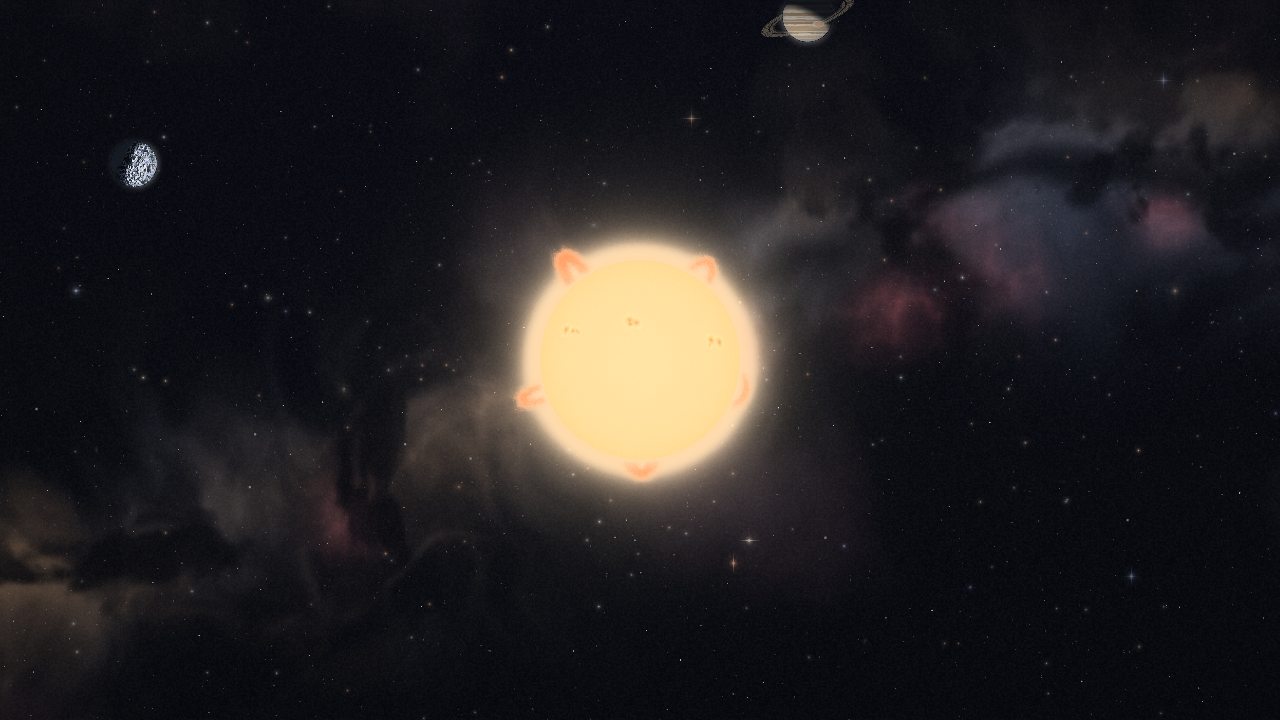
Anti-Horizon runs in any recent browser and lowers its own detail when the frame rate drops. If it still stutters, these settings help most. All of them are at the bottom of Settings.
The quick fix for a Chromebook
- CPU budget: Eco
- Shader and light budget: Off
- Gas: Low
- Planet textures: Low
- Internal resolution: 720p or 540p
Resolution only affects the game itself; menus stay sharp. Important planets and rivals keep their full physics at every setting.
Other settings that help
- Graphics: Classic is the original, lightest look. Enhanced is the default and Ultra adds bloom.
- Frame limit: capping at 30 or 60 frames a second saves power. Physics runs at a fixed step either way.
- Nebula detail: Hidden removes the visual clouds; the gas still works.
- Frame-time readout shows your frame rate in a corner while you tune.
Comfort and accessibility
Reduced motion freezes decorative motion without changing the physics. You can also scale text, raise contrast, pick colour-vision-safe palettes and rebind keys.