
Beginner's guide: your first ten minutes
How to start a journey, how capturing works, what the red markers mean and how to grow your first few classes.
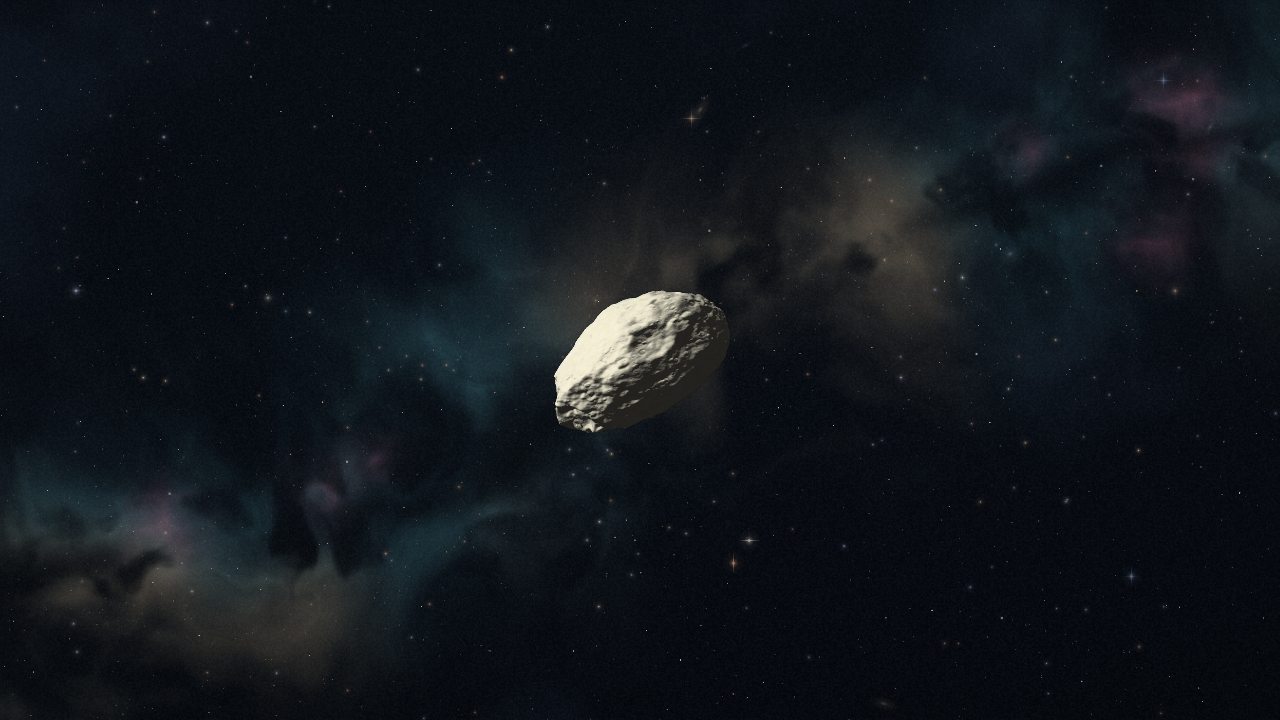
Anti-Horizon has one rule: gravity. Bigger bodies pull harder, and anything you pull in makes you bigger. You start as a tiny asteroid of about a million kilograms and can grow through 22 classes, all the way to a black hole and the Interstallar. This guide covers the first ten minutes.
Starting a journey
Open the game and choose Play. You can play straight away as a guest, but guest journeys are not saved. A free account (Google or email, confirmed with a six-digit code) keeps your journeys in three save slots and lets you play online.
Drift, don't charge
Use WASD or the arrow keys to thrust, and let go to coast. Momentum matters: you keep moving after you release the keys. The best way to grow early on is to move slowly through a field of rocks and let gravity do the work. Smaller rocks curve toward you, spiral in and merge.
Hold Shift to brake. A dotted line ahead of you forecasts where you will drift without power, and an amber cross warns of a projected collision.
What you can absorb
- Bodies below about 63% of your mass are absorbed.
- Bodies close to your own size bounce and break apart. The pieces can be caught again.
- Red markers show bodies bigger than you. Stay clear, or use them as a slingshot: build sideways speed past them, then thrust outward.
Cohesion: your health
Big impacts damage your cohesion. It regenerates after six quiet seconds without hits. Losing cohesion also costs mass, which breaks off behind you as debris you can catch again after a moment.
Growing a class
Each class needs five times the mass of the one before. The bar at the top shows your progress. Each major evolution grants an adaptation point, and the flight notes show an optional goal for your current class: complete it to bank an extra point.
Your first adaptations
Press U to open adaptations. Early on, points are banked; at moon scale the five engineering branches open (Mining, Science, Attack, Defense and Speed). The Speed branch unlocks the Space boost, and abilities add E for a gravity pulse and Q for amplified gravity.
Next steps
Read how to grow faster, learn every control, or look up any class in the Field Guide.