
PC edition: your saves follow your account
Three save slots that sync with your account, sign-in with Google, online arenas and leaderboards, all in the Windows edition.
This was a big day for the Windows edition. It now does almost everything the browser version does, and your progress moves between them.
Save slots
There are three save slots, with a Continue card on the title screen. When you sign in, your slots sync with your account: they upload when you save and when you close the game, and download when you sign in on another computer. Saves dated in the future are ignored, so a computer with a wrong clock cannot overwrite newer progress.
Signing in
Sign in with your Anti-Horizon account or straight through Google. The game opens the website, you approve it there, and the website hands the game a one-time ticket, so you never type a code into the game.
Online
- Arenas: Quick play joins live multiplayer, with the arena's ranking shown top right.
- Leaderboards: the same weekly and daily boards as the browser version.
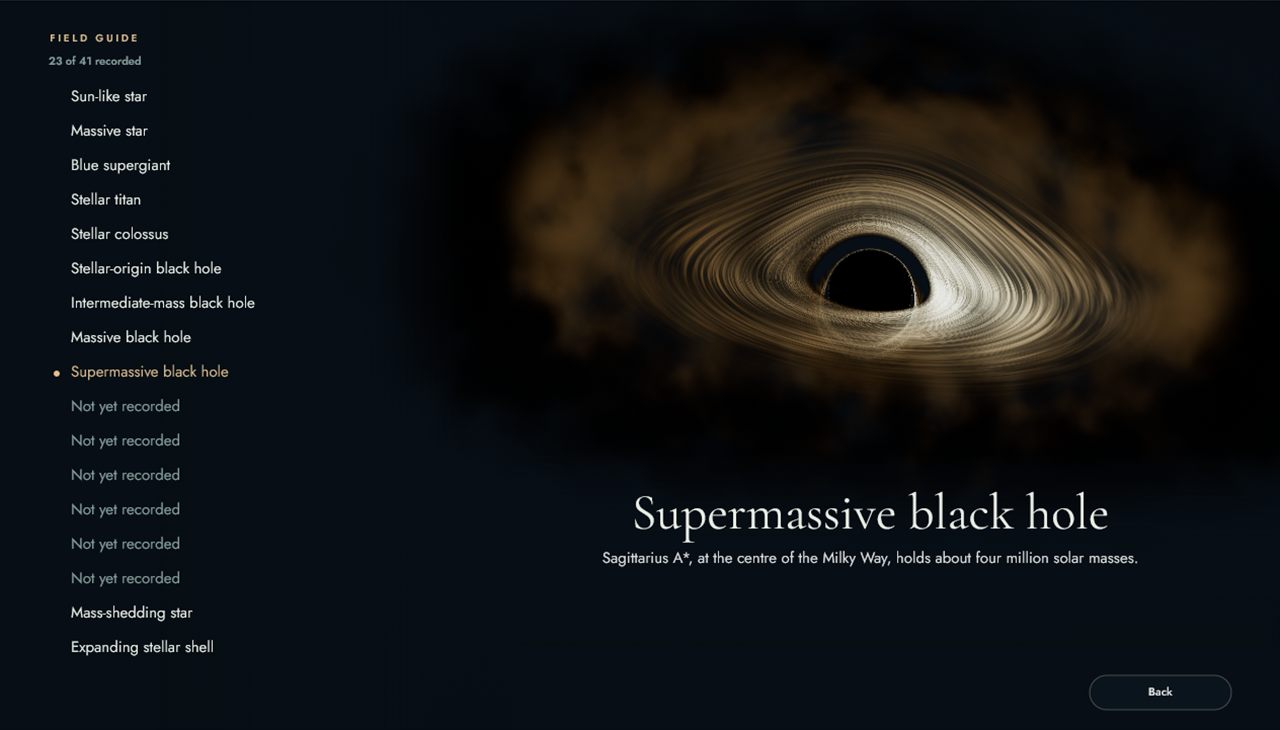
- New screens: fresh designs for Adaptations, the Life Lab, Advancements and the Field guide.
- Rebirth: at the top class a card appears in the corner to start again as an asteroid, with three promises to choose from.